
본문 바로가기
Windows

VoltVector

Free AI vector editor — an Illustrator alternative (SVG·AI·PDF, Korean-optimized)

A free vector editor you can use instead of Illustrator. Ask in Korean and Claude, ChatGPT, Gemini, or a local AI on your PC draws directly on the canvas, and everything it draws is editable vector. Opens and saves SVG, PDF, and AI files. Free for Windows.

v1.0.0·Published October 31, 2026·Updated October 31, 2026·Downloads 17
#볼트벡터#VoltVector#AI 일러스트#AI 벡터#벡터 일러스트#무료 일러스트 프로그램#일러스트레이터 대체#로고 만들기#AI 로고#SVG 편집기#EPS#AI 파일#벡터 편집기#이미지 벡터 변환#Claude Code#Codex#ChatGPT#Claude#Gemini#Ollama#LM Studio#포터블#무료프로그램+17
Downloadv1.0.017
VoltVector icon
VoltVector v1.0.0
AI vector illustration · WINDOWS 10 / 11
Say it, and it gets drawn: AI vector illustration
Free · Optimized for Korean

Claude · ChatGPT · Gemini · local AI on your PC pick up the pen themselves in this free vector illustration app. Use the Claude Code and Codex you are already logged in to, with no key entry.
⬇ Download installer⬇ Portable (ZIP)Free · Windows 10/11 64-bit
FreeInstaller · PortableSVG · PDF · AI · EPSFull Korean (Hangul) supportBy Youngsam.net
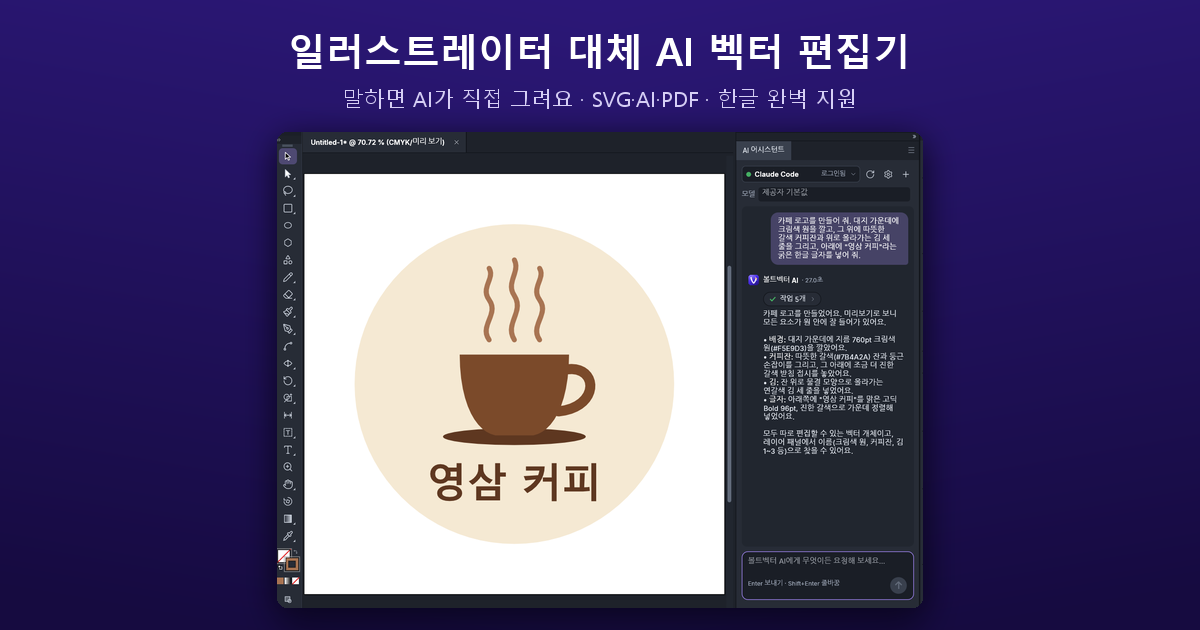
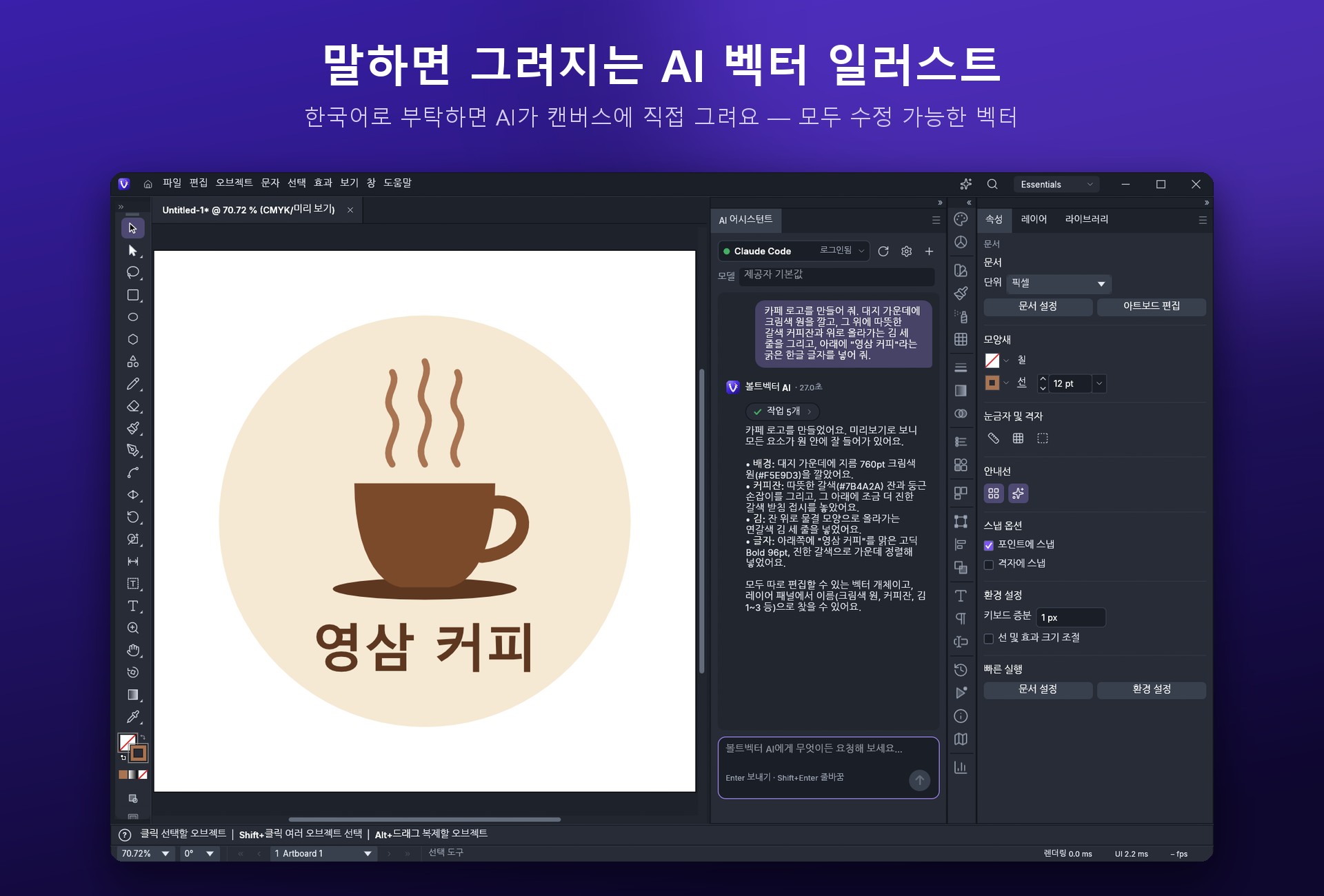
VoltVector main screen — the AI assistant drawing a cafe logo as vectors
Main screen — one line, “Make me a cafe logo,” draws the background circle, coffee cup, steam, and even the Korean (Hangul) lettering, all as fully editable vectors.
0KRW
Program price
AI usage billed by each service
9types
Ways to connect AI
Login · API key · Local
~1.5sec
To first launch screen
On an RTX 3090 PC
12types
Image-to-vector presets
Bitmaps to paths
00 · ABOUT

What it is

Open an illustration app just to make one logo and you are stuck at the pen tool. VoltVector is a vector editor where you ask in Korean and the AI draws directly on the canvas.

One line like “Make me a cafe logo. A brown coffee cup with steam, and the text ‘영삼 커피’ (Youngsam Coffee) below” draws the background circle, cup, steam, and even the Korean (Hangul) lettering as fully editable vectors. Fix anything you do not like by hand, or keep asking, for example “Make just the text bigger.” A single Undo (Ctrl+Z) reverts the entire AI operation.

01 · AI

Use the AI you are already logged in to

If Claude Code or Codex(ChatGPT) is logged in on your PC, it connects right away with no API key. VoltVector never reads or copies your login information; it runs each company's official program and simply lends it the drawing tools.
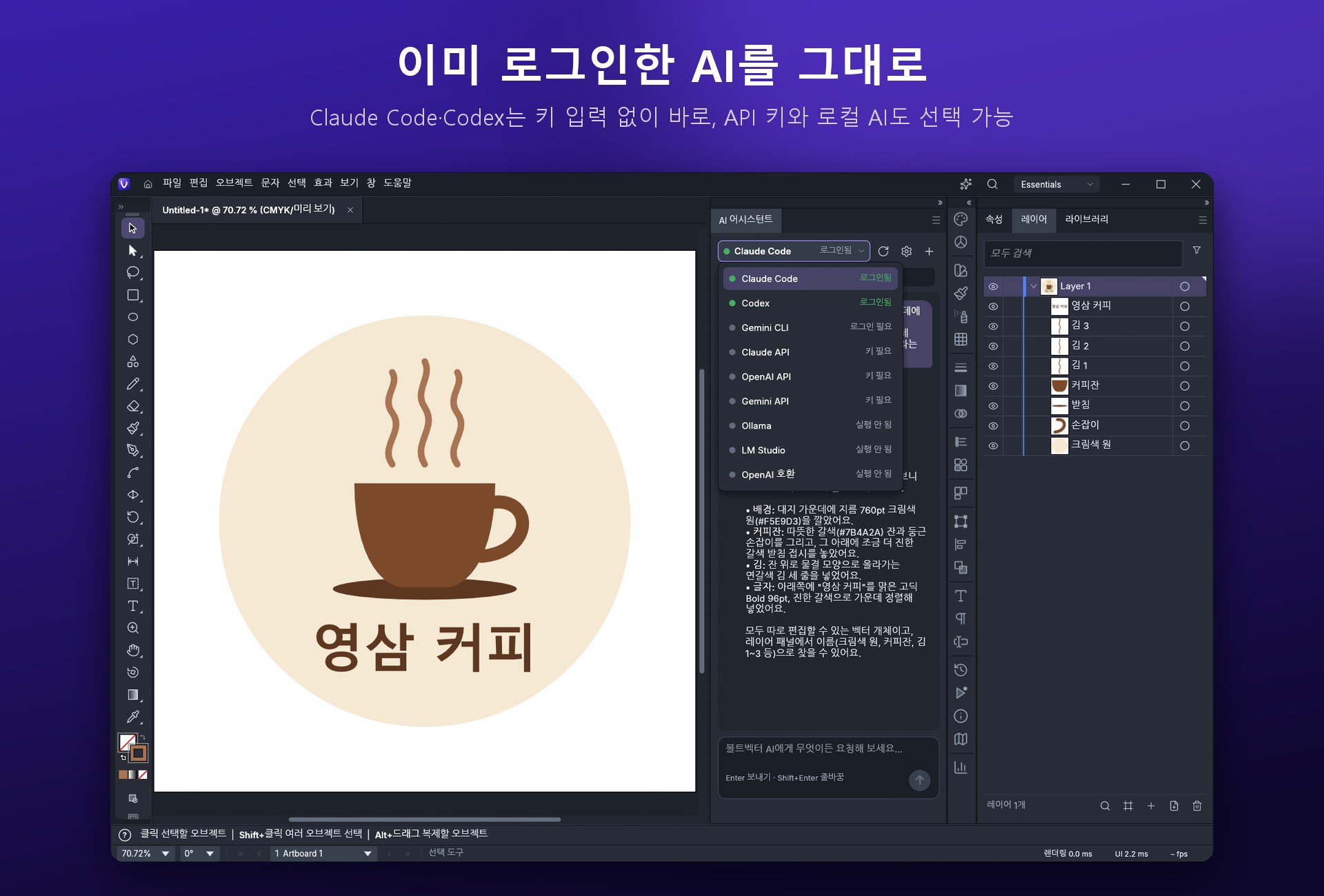
VoltVector AI connection list — Claude Code, Codex, Gemini CLI, Claude API, OpenAI API, Gemini API, Ollama, LM Studio, OpenAI-compatible
Choosing an AI connection — an AI with a green dot is ready to use right now.
Reuse your loginClaude Code · Codex · Gemini CLI
API keyClaude API · OpenAI API · Gemini API · OpenAI-compatible server
Your PC (free · offline)Ollama · LM Studio
02 · VECTOR

Everything the AI draws is vector

Not pixels: it draws with shapes, paths, and text. Scale it up without losing quality, and edit every color, shape, and character individually.

🧩
Drawn in separate layers
Each element the AI draws arrives as a named layer (circle, coffee cup, steam, text…), so it is easy to edit separately.
↩️
Undo in one step
One Ctrl+Z reverts everything the AI did.
💬
Keep asking
Keep refining through conversation, like “Make just the text bigger” or “Add one more wisp of steam.”
03 · KOREAN

Full Korean (Hangul) support

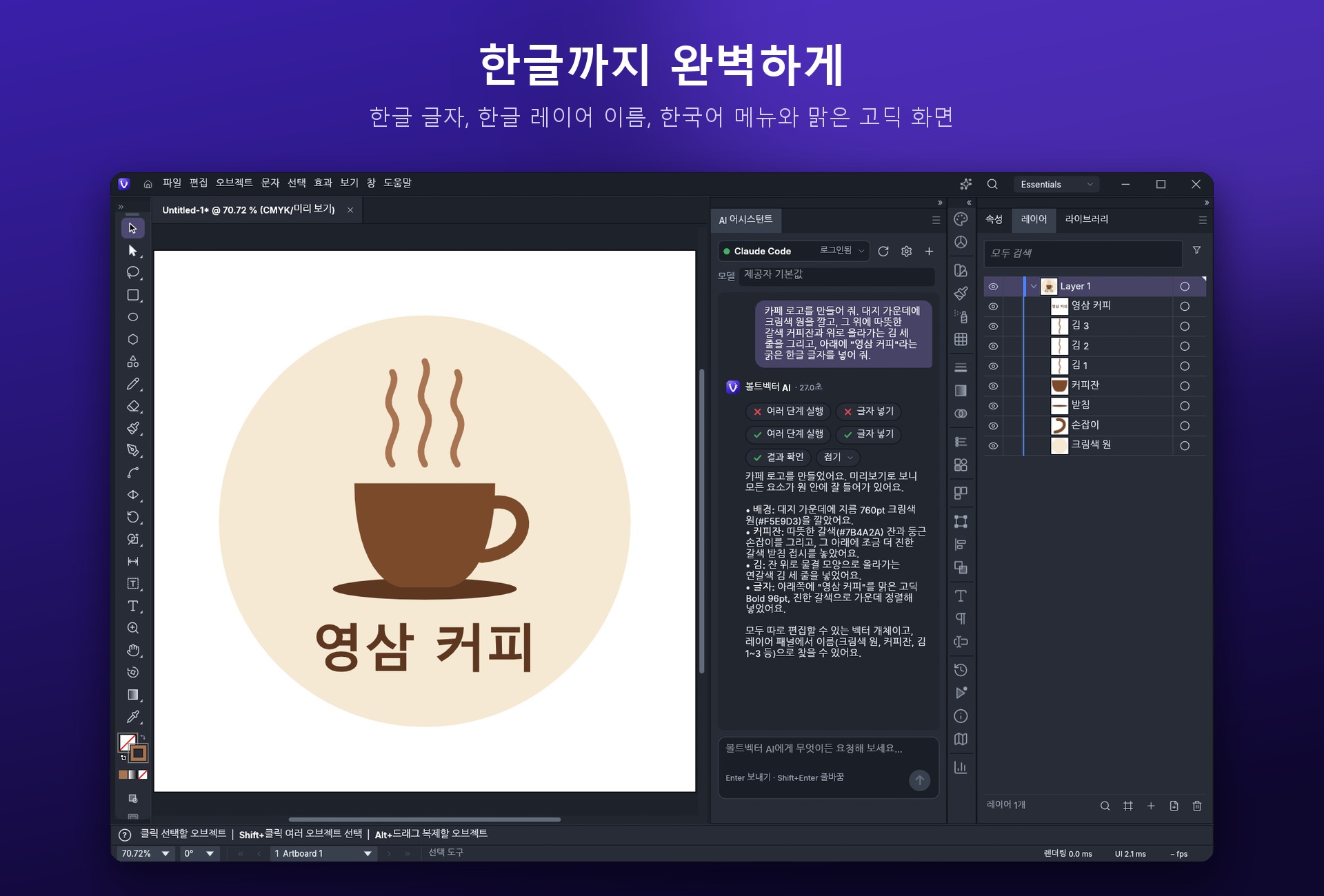
VoltVector Korean (Hangul) support — Hangul text, Hangul layer names, Korean menus
Hangul, fully supported — Hangul text, Hangul layer names, Korean menus, and a crisp Malgun Gothic display.
Menus · DisplayKorean menus and a crisp display based on Malgun Gothic
Hangul inputInput handling that will not trigger shortcuts by mistake while you are composing Hangul
Files · FoldersOpen and save in folders with Hangul names; Hangul layer names in older .ai files display correctly
FontsHangul text added by the AI is automatically set in a Hangul font
04 · TOOLS

Professional vector tools

PenDirect SelectionPathfinderSmart GuidesBlendGradient MeshLive effects (shadows, glows, etc.)Image-to-vector conversion (12 presets)Unlimited undo
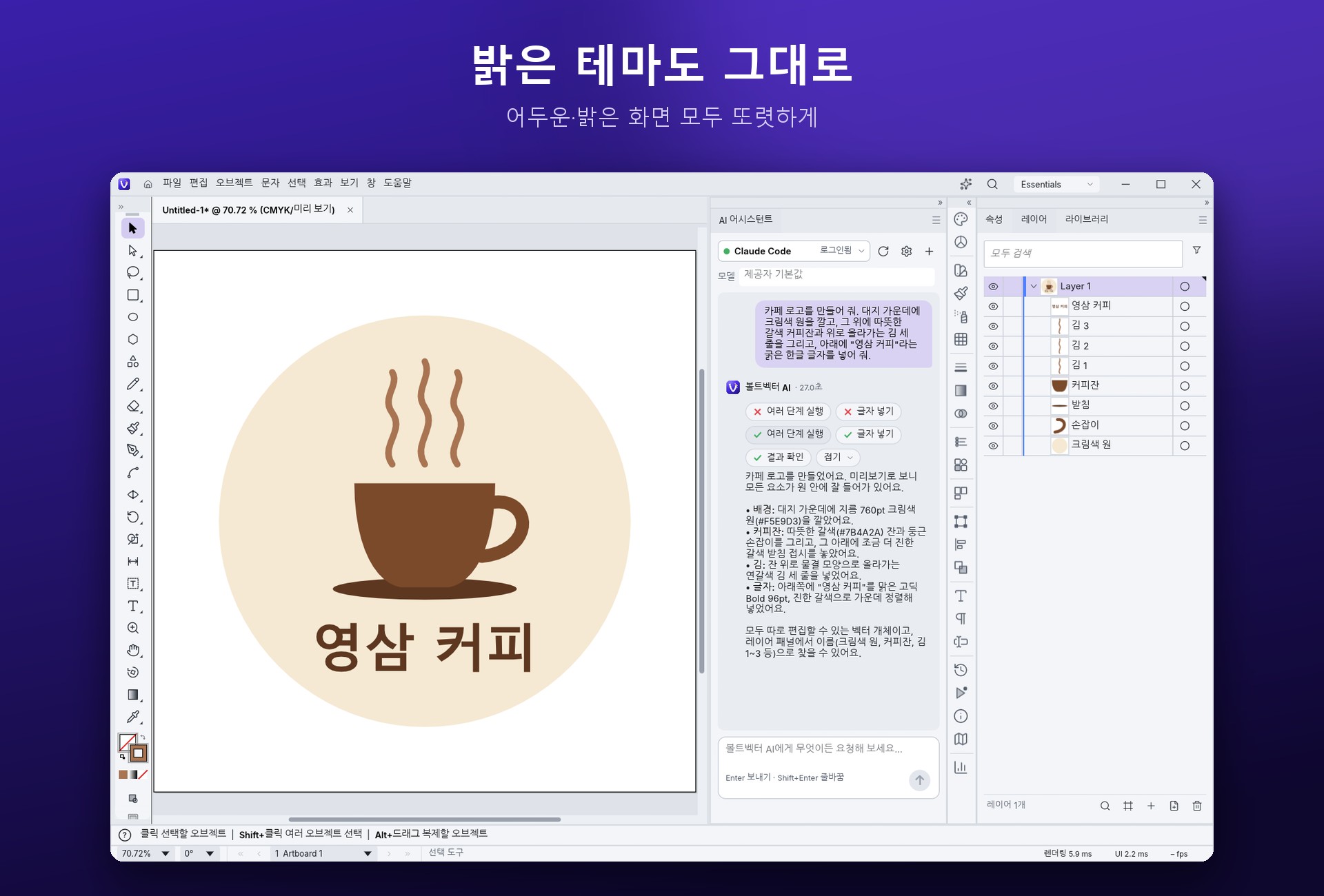
VoltVector light theme
Light theme — crisp in both dark and light.
05 · FILES

Many file formats

Open · SaveSVG · PDF · PDF-compatible .ai · EPS
ExportPNG · JPEG · WebP
06 · FAST

Light and fast

From first launch to the window appearing takes about 1.5 seconds (on an RTX 3090 PC). Available as an installer or as a portable build that runs as soon as you unzip it.
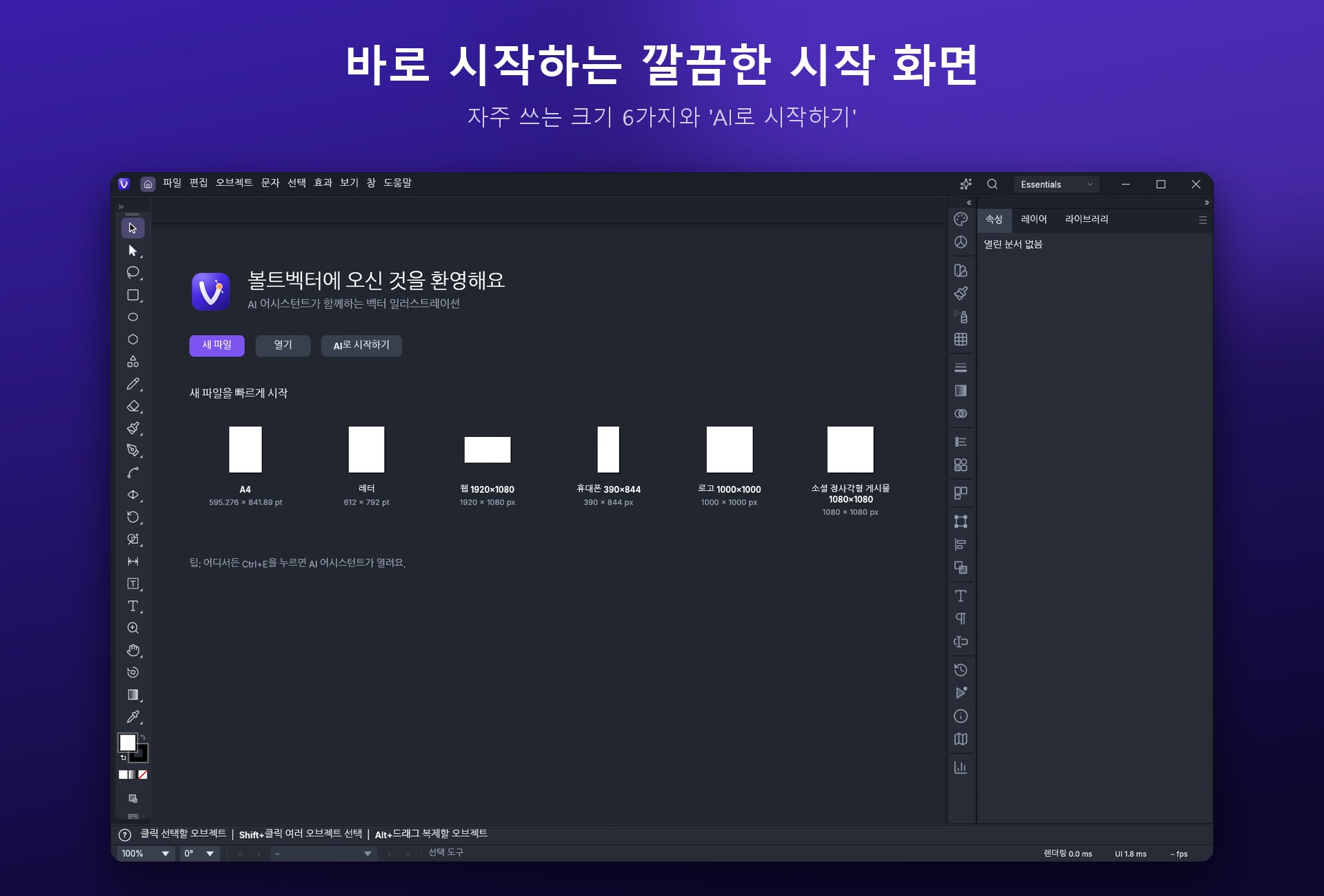
VoltVector start screen — New file, Open, Start with AI, and 6 common sizes
Start screen — jump right in with 6 common sizes and ‘Start with AI.’
07 · INSTALL

Install and use

1
Run the installer
Run the installer below (VoltVector-1.0.0-windows-x64-setup.exe). It installs to your user account without administrator rights and creates desktop and Start menu shortcuts.
2
Or use the portable build
For the portable build (VoltVector-1.0.0-windows-x64-portable.zip), just extract it and run voltvector.exe. Leave voltvector-cli.exe in the same folder; it is used for AI connections.
3
Ask the AI
Open the AI assistant with the ✦ button at the top right or Ctrl+E. Pick an AI with a green dot and ask in Korean.
Portable keeps settings in its folder The portable build saves settings and recovery files in VoltVectorData inside the extracted folder, so you can move the whole folder and keep using it as is.
08 · NOTE

Good to know

💳
Pricing
The program is free. When you use Claude, ChatGPT, or Gemini, each service's own subscription or API fees apply. Local models cost nothing extra.
🔒
Data sent
Only when you send a request to the AI, your request and the document information needed for the task are sent to the AI service you chose. If you choose a local model, nothing leaves your PC. API keys are stored in Windows Credential Manager.
🪟
Supported environment
Built for 64-bit Windows 10/11.
🔔
Updates
When a new version is released, the program notifies you and points you to this page.
09 · DOWNLOAD

Download (free)

InstallerRecommended
VoltVector-1.0.0-windows-x64-setup.exe93.2 MB (97,702,126 bytes)
✓Installs to your account, no admin rights needed
✓Desktop and Start menu shortcuts
SHA-256
c2cc7ccedfe35188f0be708df0f99b118e1796d7a655a93e56d9b0dce81b7e06
Portable (ZIP)No install
VoltVector-1.0.0-windows-x64-portable.zip133.0 MB (139,489,058 bytes)
✓Extract and run voltvector.exe
✓Move the whole folder anywhere
SHA-256
6ecdad1c78475ec63c1c4708494d88fdc6a7e03e1f9b424e63d472f2d19f2e7c
# Verify the downloaded files (Windows PowerShell)
Get-FileHash .\VoltVector-1.0.0-windows-x64-setup.exe -Algorithm SHA256
Get-FileHash .\VoltVector-1.0.0-windows-x64-portable.zip -Algorithm SHA256

# Expected values
# VoltVector-1.0.0-windows-x64-setup.exe
# C2CC7CCEDFE35188F0BE708DF0F99B118E1796D7A655A93E56D9B0DCE81B7E06
#
# VoltVector-1.0.0-windows-x64-portable.zip
# 6ECDAD1C78475EC63C1C4708494D88FDC6A7E03E1F9B424E63D472F2D19F2E7C
10 · LICENSE

License

Copyright and license notices are in the LICENSE-MIT, LICENSE-APACHE, and NOTICE files inside the ZIP.
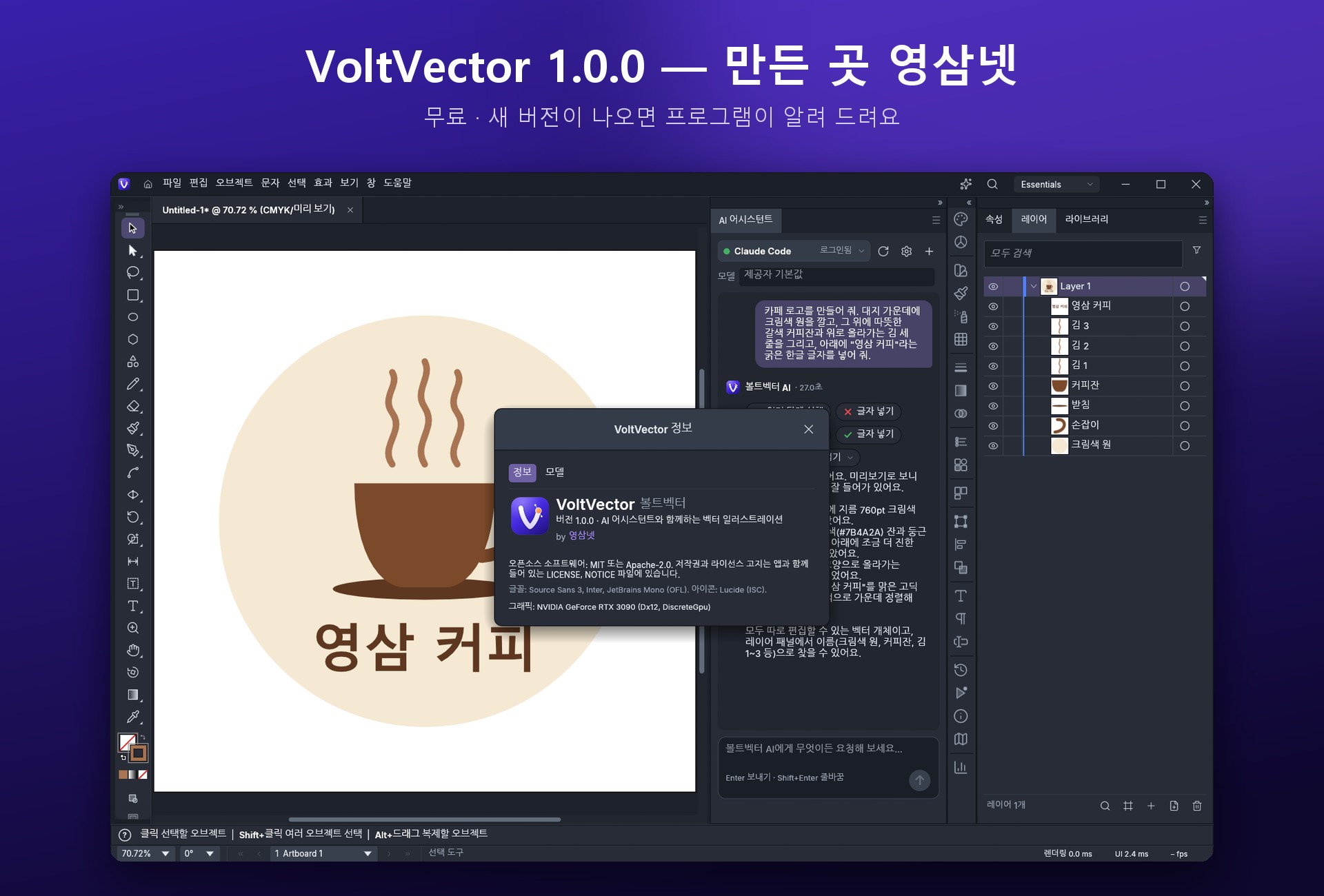
VoltVector About window — version 1.0.0, made by Youngsam.net
Version info — VoltVector 1.0.0 — made by Youngsam.net. We will let you know when a new version is out.
11 · FAQ

Frequently asked questions

Is VoltVector free?

Yes, it is free. It runs on Windows 10 / 11 (64-bit). When you use Claude, ChatGPT, or Gemini, each service's own subscription or API fees apply, and local models (Ollama · LM Studio) cost nothing extra.

Can I use AI without an API key?

If Claude Code or Codex (ChatGPT) is logged in on your PC, it connects right away with no API key. VoltVector never reads or copies your login information; it runs each company's official program and simply lends it the drawing tools. You can also use Gemini CLI, API keys (Claude · OpenAI · Gemini · OpenAI-compatible server), and local AI (Ollama · LM Studio).

Can I edit what the AI draws?

Yes. Because it draws with shapes, paths, and text rather than pixels, you can edit every color, shape, and character individually, and it stays sharp at any size. One Ctrl+Z reverts everything the AI did.

Is my artwork sent anywhere?

Only when you send a request to the AI, your request and the document information needed for the task are sent to the AI service you chose. If you choose a local model, nothing leaves your PC. API keys are stored in Windows Credential Manager.

Which files can I open and save?

You can open and save SVG, PDF, PDF-compatible .ai, and EPS, and export to PNG · JPEG · WebP.

Do I need to install it?

Choose whichever you prefer. Running the installer (setup.exe) installs VoltVector to your user account without administrator rights and creates desktop and Start menu shortcuts. To use it without installing, download the portable ZIP, extract it, and run voltvector.exe. The portable build keeps settings and recovery files in VoltVectorData inside the extracted folder, so you can move the whole folder and keep using it.

How do I update?

When a new version is released, the program notifies you and points you to this page.

Version history(1)
v1.0.0Latest
October 31, 2026
■ 첫 공개 · AI 어시스턴트 (Claude Code · Codex · Gemini CLI · Claude/OpenAI/Gemini API · Ollama · LM Studio) · 한글 입력 · 글꼴 · 파일 인코딩 개선 · 새 아이콘과 시작 화면 · 업데이트 알림
Questions or bug reports?
Ask in our community — English is fine. Reviews and Q&A are collected on the Korean page.