

and KakaoTalk PC ads quietly disappear
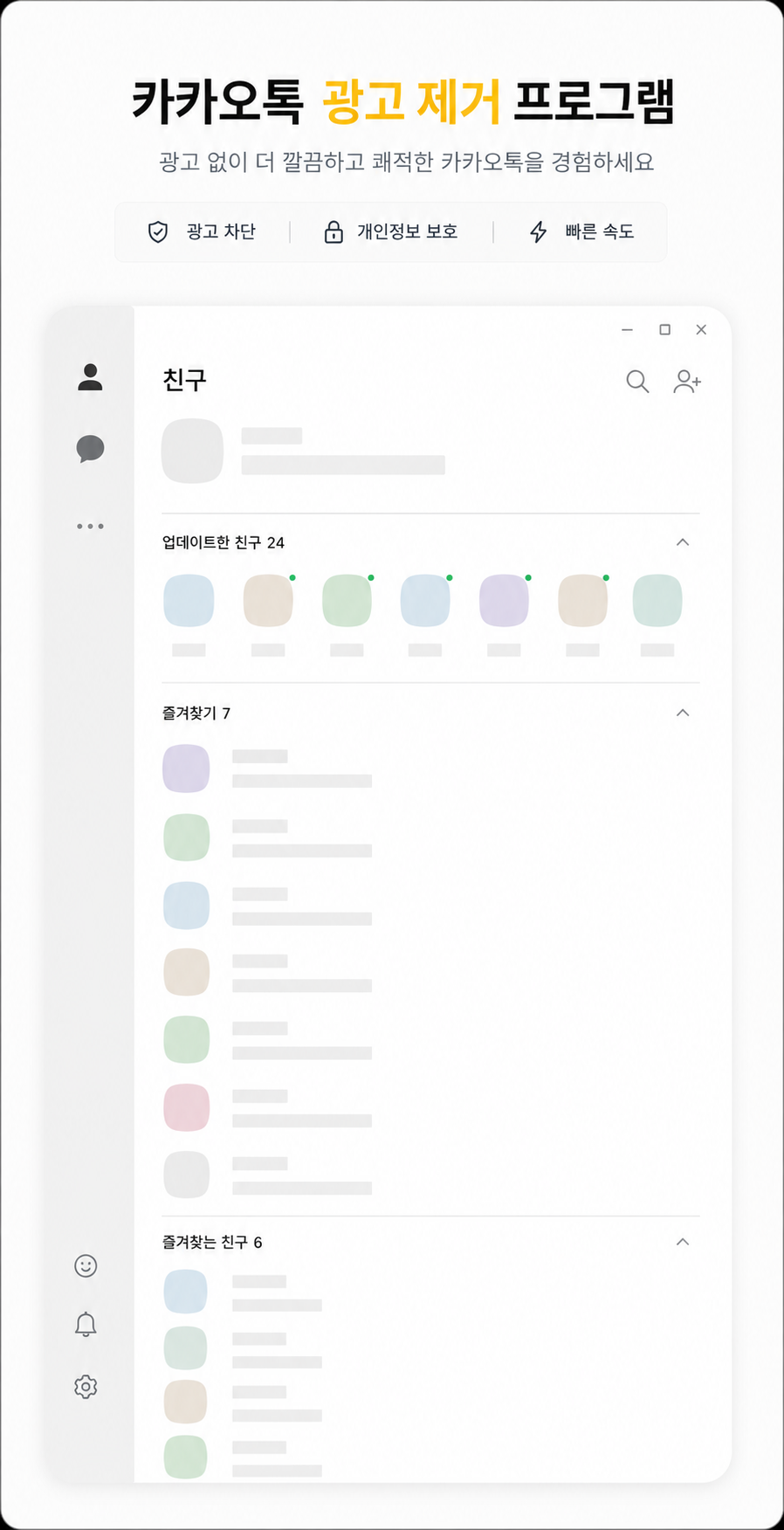
TalkShield finds and clears the bottom banner ad, the lock-screen ad and the pop-up ads in KakaoTalk for PC in real time, then fills the space where the ad used to be with your friend list. It is a small system-tray app. It never touches KakaoTalk's files or memory and only tidies up the ad windows on your screen.
Three kinds of ads it clears
While KakaoTalk is running, TalkShield looks for ad windows on screen and clears them. Real content such as chats and the friend list is never touched.
Light, quiet, and hands off KakaoTalk
How it works — it just tidies windows
Every 100ms TalkShield looks at the window structure of KakaoTalk (kakaotalk.exe), picks out only the ad windows and does the three things below.
WM_CLOSE message.Three steps, no installation
TalkShield-v1.1.1.zip below and extract it to any folder.TalkShield.exe — double-click it.∧ (hidden icons) area of the taskbar. Click ∧ and drag the yellow speech-bubble icon next to the clock to keep it visible.Just five tray menu items
Right-click the tray icon to open the menu below (the app's menus are in Korean). A yellow icon means on, gray means off.
TalkShield.exe once more. Since 1.1.1 the hidden state survives a reboot.Settings and the total block count are saved automatically and carry over to the next run.
Build it from source
It only uses the .NET Framework compiler built into Windows (csc.exe), so you can build it from source without installing anything. Source code and issues are on GitHub.
git clone https://github.com/openr03/TalkShield.git
cd TalkShield
build.bat
build.bat creates the icon and uses csc.exe to build TalkShield.exe. If antivirus warnings worry you, you can build it yourself this way.
Changelog
Download
TalkShield.exeSHA-256 of the ZIP file and of TalkShield.exe inside it.
# PowerShell
Get-FileHash .\TalkShield-v1.1.1.zip -Algorithm SHA256
Get-FileHash .\TalkShield.exe -Algorithm SHA256

# Expected (1.1.1)
# TalkShield-v1.1.1.zip
# 9d83b454c0fa89d28acc3b688d423cb9cf4ddc71784cf00c3d3c6734c448844b
#
# TalkShield.exe
# 10ebb54551c77941c97ab2f73cc343efaf3b7750c755aabfd3b6a4f75189b6cbFrequently asked questions
How do I remove the bottom ad in KakaoTalk for PC?
Just keep TalkShield running. It closes the banner ad at the bottom of the main window (friends · chats) and fills the empty space with the friend list. It also clears the lock-screen ad and ad pop-ups that open separately.
Is TalkShield free?
Yes, completely free. No ads, no sign-up, and the source code is public on GitHub under the MIT License.
Do I need to install it?
No installation needed. Unzip it and double-click TalkShield.exe (about 57KB); it starts working from the tray right away. To remove it, exit and delete the file.
Could my KakaoTalk account get suspended or restricted?
TalkShield does not interfere with the KakaoTalk program, servers or memory; it only tidies windows shown on your own PC screen, which is the same way ordinary window-management tools work. However, you use it at your own responsibility.
Does it read my chats or personal information?
It only looks at KakaoTalk's window structure to find ad windows. Content windows such as chats and the friend list are told apart and left untouched. You can check exactly how it works in the public source code.
Ads came back after a KakaoTalk update.
That means KakaoTalk's window structure changed. Let us know via a GitHub issue or email (info@youngsam.net) and it will be addressed. TalkShield notifies you when a new version is released.
My antivirus or SmartScreen shows a warning. Is it safe?
This is a common warning for free personal projects without code signing. You can confirm the file matches the original with the SHA-256 values on this page, and since all the source is public, you can also build it yourself with build.bat.
Can it start automatically when I turn on my PC?
Right-click the tray icon and turn on "Run at Windows start-up". You can turn it off again from the same menu.
If I hide the tray icon, does ad blocking stop?
No. Only the icon is hidden; blocking keeps running. Since 1.1.1 the hidden state survives a reboot. To show the icon again, run TalkShield.exe once more.
Will it slow down my PC?
The executable is only about 57KB, and CPU usage is practically 0% in normal use (per the developer). When KakaoTalk is closed it slows its check interval to save even more resources.
KakaoTalk is a trademark of Kakao Corp. TalkShield is a personal project not affiliated with Kakao. Windows is a trademark of Microsoft Corporation.